

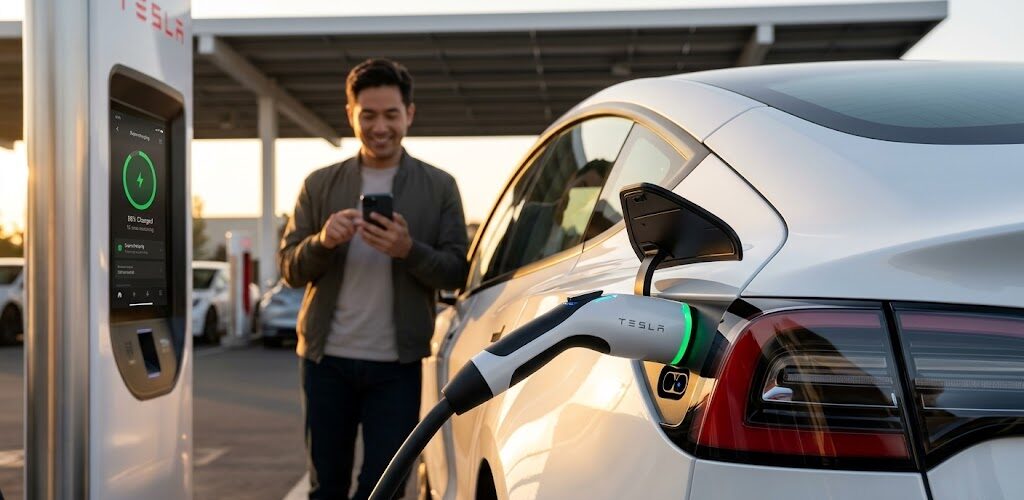
Charging a Tesla Model 3 is as simple as charging a smartphone, but doing it correctly can mean the difference between a battery that lasts 10 years and one that degrades in five. In 2026, with the introduction of V4 Supercharging and standardized NACS ports, the rules have evolved.
1. The Golden Rule: Know Your Battery Chemistry
Before you plug in, you must know what is inside your car. Tesla uses two main battery types, and they have opposite “best practices.”
-
LFP (Lithium Iron Phosphate): Found in most Standard Range/Rear-Wheel Drive models.
-
Daily Limit: 100%.
-
Expert Tip: Tesla recommends charging to 100% at least once a week to calibrate the Battery Management System (BMS).
-
-
Nickel-Based (NCA/NCM): Found in Long Range and Performance models.
-
Daily Limit: 80% to 90%.
-
Expert Tip: Avoid 100% unless you are leaving for a long road trip immediately. 2026 firmware now suggests a 90% limit for the latest high-density cells.
-
2. Three Ways to Charge Your Model 3
Level 1: The “Emergency” Charge (120V)
Using a standard household outlet and a Mobile Connector, you’ll gain about 3–4 miles of range per hour. This is best for low-mileage drivers or when no other option exists.
Level 2: The Home Standard (240V)
The Tesla Wall Connector is the gold standard for daily use.
-
Speed: Adds up to 44 miles of range per hour.
-
Health: Level 2 AC charging is the “gentlest” on the battery, producing less heat than DC fast charging.
Level 3: Supercharging (DC Fast Charging)
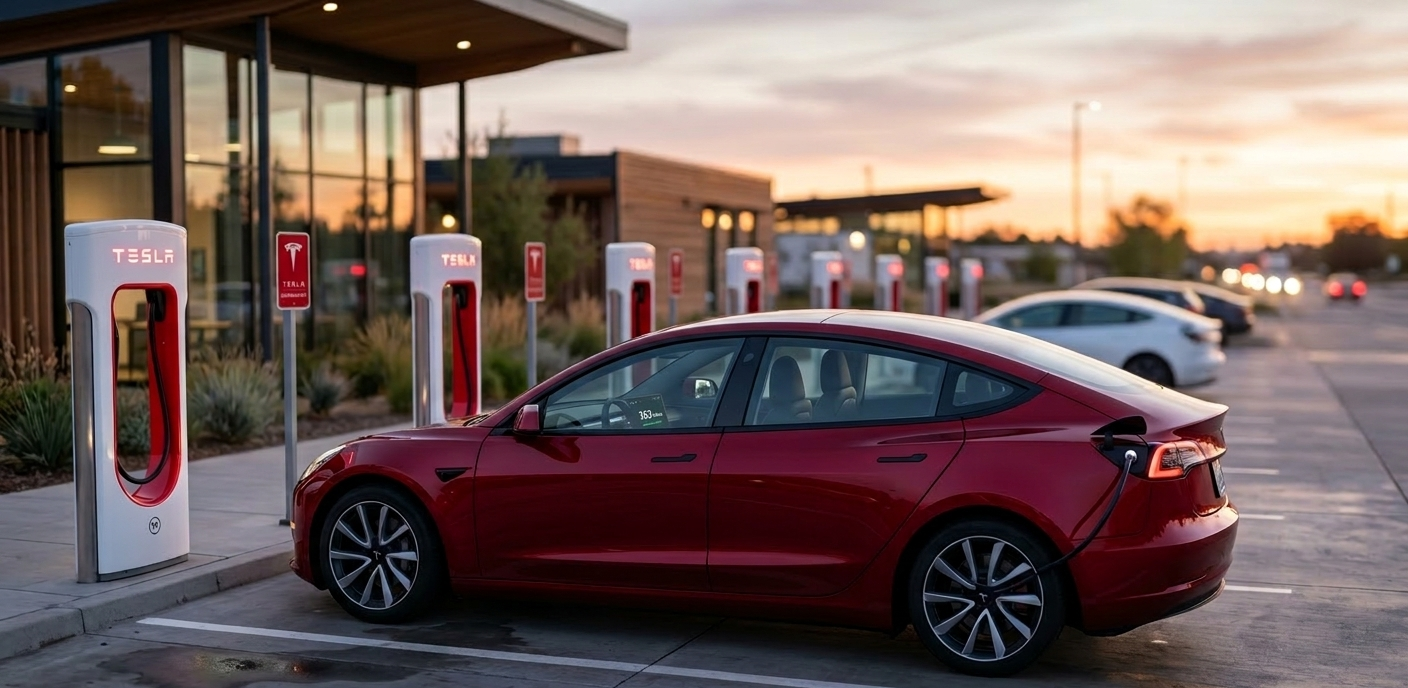
Tesla’s V4 Superchargers can now deliver speeds up to 250kW–350kW.
-
Speed: 10% to 80% in approximately 15–25 minutes.
-
2026 Update: V4 stations now feature longer cables and integrated payment screens for non-Tesla EVs, but your Model 3 still enjoys the seamless “plug and charge” experience.
3. Step-by-Step: How to Initiate a Charge
-
Locate the Port: The charge port is hidden in the driver-side rear tail light assembly.
-
Open the Door: Press the button on the Tesla charging handle, tap the port door directly, or use the “Open Port” button on the touchscreen/app.
-
Plug In: Align the NACS connector and push firmly.
-
Check the Logo: * Blinking Blue: Communicating.
-
Blinking Green: Charging in progress.
-
Solid Green: Charging complete.
-
4. Pro Tips for 2026 Battery Longevity
-
Precondition Before Supercharging: Always use the in-car Navigation to select your Supercharger. The car will automatically heat or cool the battery to the optimal temperature for the fastest intake.
-
The 20-80% Rule: For Nickel batteries, keeping the state of charge between 20% and 80% significantly reduces chemical stress.
-
Minimize “Phantom Drain”: Turn off Sentry Mode when parked in secure areas (like your home garage) to save roughly 1-3% of battery per day.
FAQs: Your Charging Questions Answered
Q: Can I leave my Tesla plugged in all the time?
A: Yes. Tesla’s famous mantra is “A plugged-in Tesla is a happy Tesla.” The car will draw power from the wall to run electronics and maintain battery temperature rather than using its own energy.
Q: Why does charging slow down after 80%?
A: This is called “tapering.” To protect the battery from heat and over-voltage, the car reduces the charging speed as the cells fill up—much like a sponge slows down as it becomes saturated with water.
Q: Does cold weather affect charging?
A: Yes. In freezing temperatures, charging will be much slower unless the battery is preconditioned. Look for the “Blue Snowflake” icon on your screen; this indicates the battery is too cold to accept full power.
Q: How much does a full Supercharge cost in 2026?
A: Costs vary by region and time of day (On-Peak vs. Off-Peak). On average, a 10% to 80% session costs between $15 and $22.

Leave a Reply