

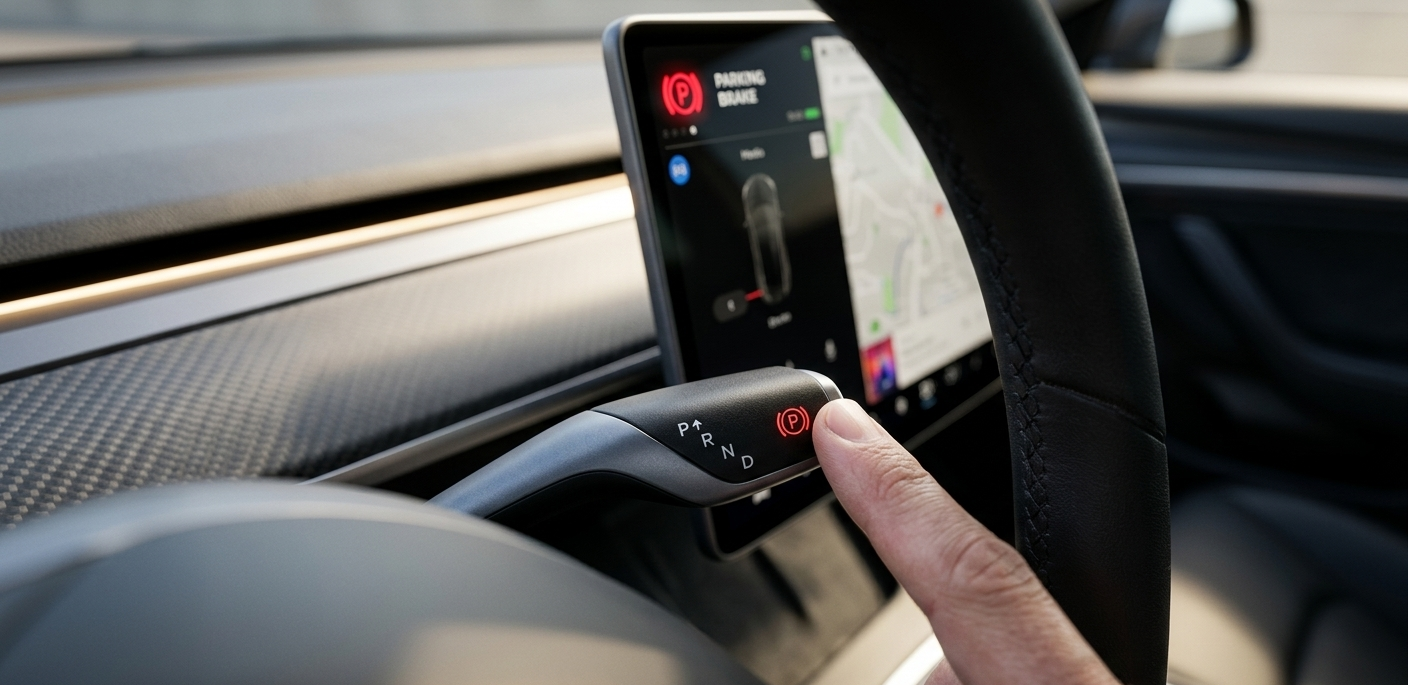
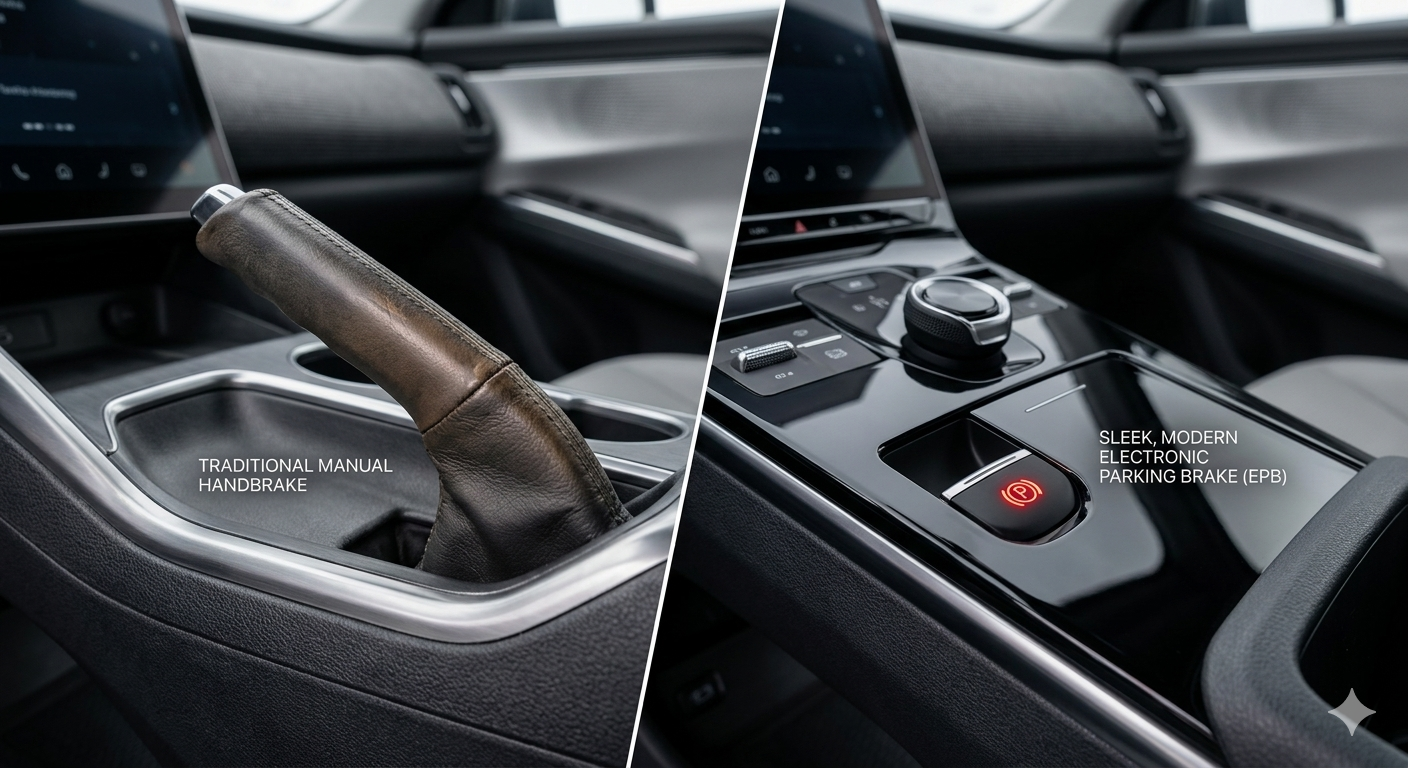
If you are looking for a physical lever or a floor pedal to pull in a Tesla Model 3, you won’t find one. Tesla uses an Electronic Parking Brake (EPB) system. While the car automatically engages the “Park” gear when you exit, there are specific ways to manually trigger the emergency brake—both while stationary and in a rare emergency while driving.
1. Using the Physical Gear Stalk (Pre-2024 Models)
For Tesla Model 3 vehicles manufactured before the 2024 “Highland” refresh, the emergency brake is integrated into the right-hand drive stalk.
-
To Engage: While the car is stopped, press and hold the button on the end of the right stalk for 2–3 seconds.
-
The Indicator: A red (P) or PARK icon will appear on the top of your touchscreen, confirming the emergency brake is locked.
-
To Release: Simply shift into Drive or Reverse.
2. Using the Touchscreen (2024–2026 Models)
In newer Model 3s without physical stalks, the emergency brake is controlled entirely through the screen.
-
The Quick Method: Swipe from the left edge of the screen to bring up the Drive Mode Strip. Press and hold the “P” (Park) icon.
-
The Menu Method: Navigate to Controls > Safety > Parking Brake. Tap and hold to engage.
3. The Secondary Backup Console
If your touchscreen becomes unresponsive, Tesla provides a physical backup. In the Model 3, the emergency/parking brake button is located on the overhead console, near the hazard light button and the rearview mirror. Pressing and holding the “P” here will engage the brakes.
Emergency Braking While Driving
In the extremely unlikely event that your primary brake pedal fails, you can use the emergency brake to bring the car to a stop while in motion.
Warning: Only use this method in a true emergency.
-
The Action: Press and hold the Park button (on the stalk or touchscreen).
-
The Result: The car will ignore the accelerator, apply continuous hydraulic braking, and sound a chime. It will stay engaged as long as you hold the button. Once the car stops completely, the mechanical parking brake pins will lock.
FAQs: Common Tesla Brake Questions
Q: Does the Tesla Model 3 automatically set the parking brake?
A: Yes. Every time you shift the car into Park or unbuckle your seatbelt and open the door, the car automatically engages the parking brake.
Q: Why would I ever need to manually engage it?
A: It is recommended to manually engage the emergency brake (holding the “P” button until the red icon appears) when parking on a steep incline or if you are performing maintenance on the vehicle.
Q: Can I use the emergency brake to “drift”?
A: No. Because the system is electronic and managed by the car’s computer, it will apply the brakes safely to all wheels via the ABS system rather than locking the rear wheels like a traditional cable-pull handbrake.

Leave a Reply